
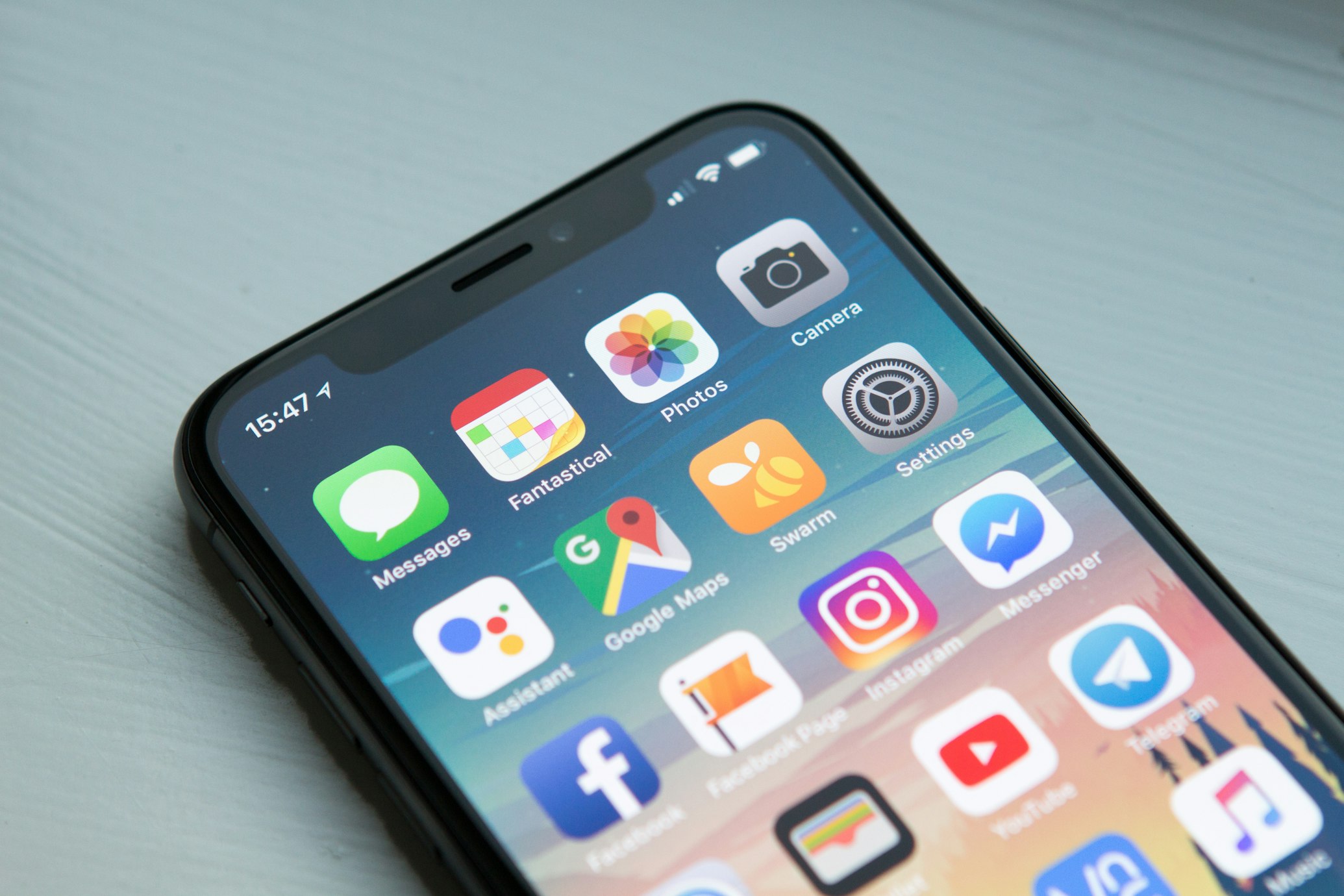
Mobile-First Design
Start designing for mobile screens first, then scale up. Use responsive breakpoints (mobile: 320px+, tablet: 768px+, desktop: 1024px+). Ensure touch targets are at least 44x44 pixels for easy tapping.
- Design for smallest screen first
- Use flexible grid systems (CSS Grid, Flexbox)
- Ensure readable font sizes (minimum 16px)
- Optimize images for mobile bandwidth
Touch Interactions
Optimize for touch gestures: swipe for navigation, pull-to-refresh, pinch-to-zoom. Implement smooth animations and transitions. Provide visual feedback for all interactions.
- Swipe gestures for flight cards
- Pull-to-refresh for search results
- Smooth page transitions
- Haptic feedback where supported
Progressive Web App (PWA)
Convert your flight booking portal into a PWA for app-like experience. Implement service workers for offline functionality, add to home screen, and push notifications for booking confirmations.
- Service worker for offline support
- App manifest for installability
- Push notifications for booking updates
- Offline access to booking history
Performance Optimization
Mobile users expect fast loading times. Optimize images, minimize JavaScript, use code splitting, and implement lazy loading. Aim for First Contentful Paint under 1.5 seconds.
- Lazy load images and components
- Minimize JavaScript bundle size
- Use WebP format for images
- Implement critical CSS inline
Conclusion
A mobile-responsive flight booking UI requires mobile-first design, optimized touch interactions, PWA features, and performance optimization. Focus on user experience and conversion rates to build a successful mobile booking platform.